Everything memory
Coding, technical, resume, everything.
Wityu can connect the live question to algorithms, architecture, frameworks, product judgment, and the strongest proof points from your own background.
A closer look at the modern build, compact live workflow, keyboard-first control, resume-aware memory, and quality-first product choices behind Wityu.
The app stays simple on the surface, powerful in the moment, and advanced where it counts: live answers, clear overlay behavior, and compact focus mode.
Coding. Technical. Your resume. Anything and everything. The assistant is built to remember the context and connect it while the interview is still moving.
Wityu can connect the live question to algorithms, architecture, frameworks, product judgment, and the strongest proof points from your own background.
Coding questions, debugging, database design, cloud tradeoffs, architecture decisions, and senior-level explanation patterns stay within reach.
Projects, impact, tools, leadership stories, and role-specific positioning can be pulled into answers so the response sounds like you, not a template.
When the conversation jumps, Wityu follows: technical, behavioral, business, product, follow-up questions, and the subtle bridge between them.
Wityu cannot be captured. By rendering directly through macOS and Windows system-level security APIs, the entire application is automatically omitted from screenshares, recordings, and streaming services. No toggles, no configurations, no human errors.
Wityu utilizes the OS window sharing exclusion flags (NSWindowSharingType on macOS and SetWindowDisplayAffinity on Windows) to prevent screen capture APIs from reading its pixels.
Since invisibility is enforced at the compilation and window registration levels, it can never be disabled, bypassed, or forgotten by mistake. It is active 100% of the time.
Works seamlessly across Zoom, Google Meet, Microsoft Teams, Slack, Discord, OBS, and all native screen recorders.
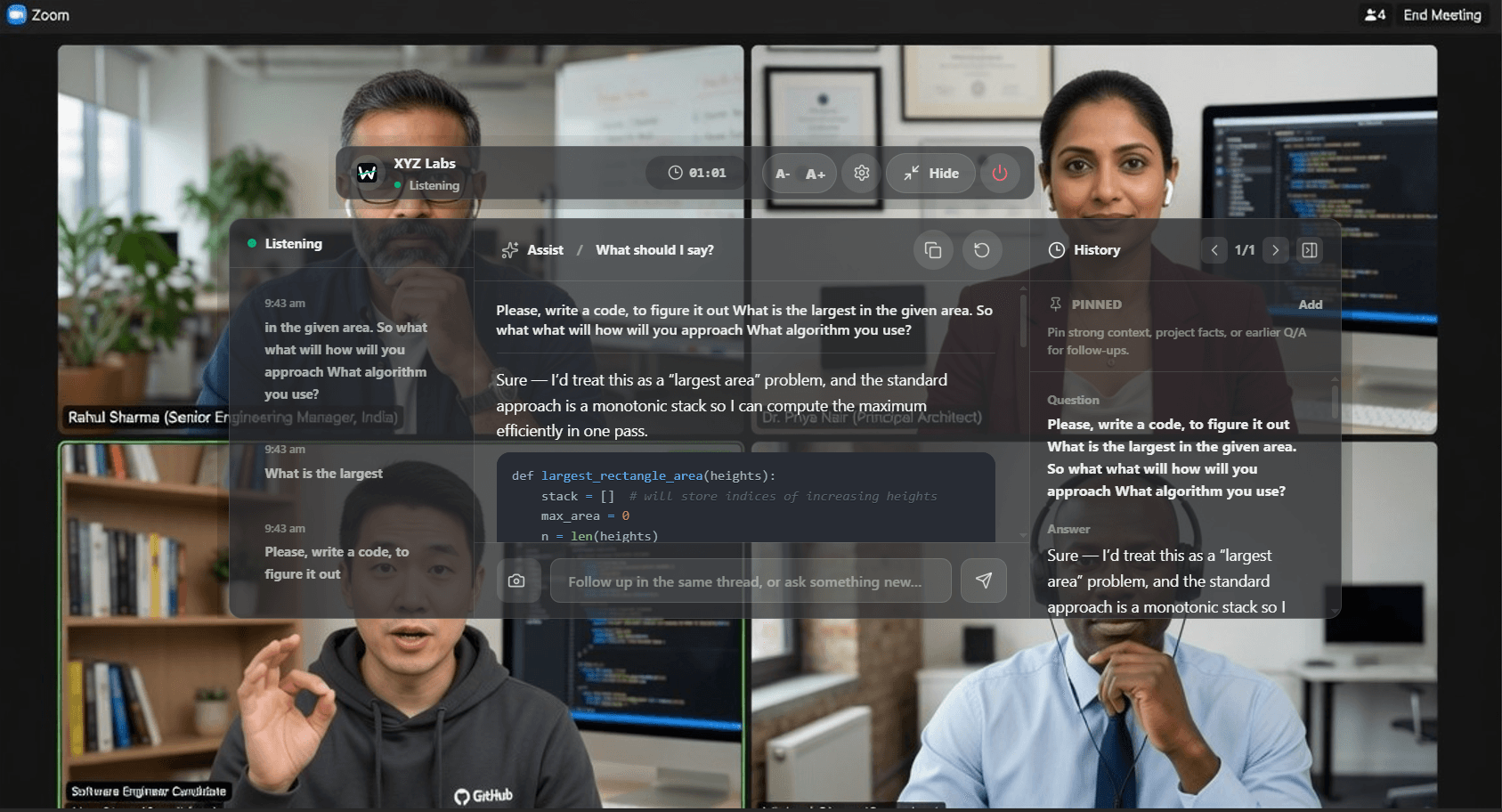
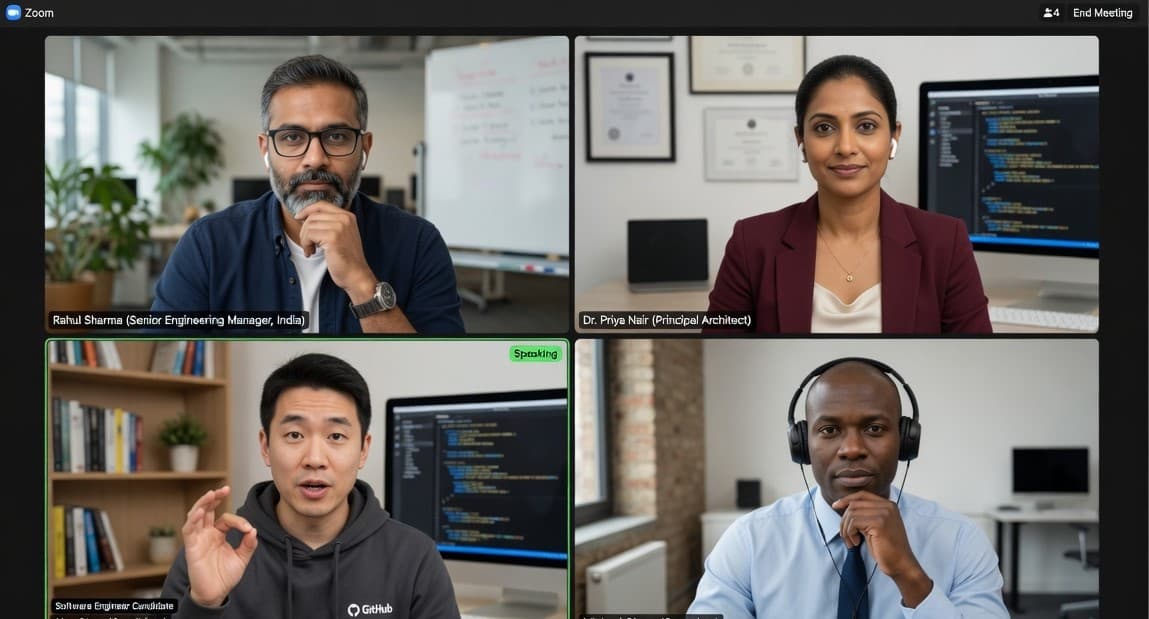
Wityu watches, listens, and corrects. Its visual intelligence reads your IDE editor, detects coding prompts anywhere on screen, and provides real-time fixes without manual trigger buttons.
Wityu's vision analyzer reads any window on your desktop, whether it's a coding IDE, a browser, a coding platform, or a text doc.
Detects errors, typos, and broken logic in the code you write in real-time and provides smart corrections instantly.
Instantly reads and parses any question text, diagram labels, or prompt instructions appearing anywhere on your screens.
Works silently in the background. No manual copying, pasting, uploading screenshots, or typing is required.
Wityu was not shaped by generic SaaS patterns. It was shaped by what breaks concentration during interviews: heavy apps, clumsy surfaces, and context that disappears when pressure rises.
Wityu is built with a modern desktop stack so the assistant stays light during the calls that actually matter. It is designed for endurance, not demo-day screenshots.
The interface came from actual interview pressure: fast actions, compact surfaces, no dramatic panels blocking your screen, and responses that stay close to the conversation.
Power users can keep their hands on the keyboard and keep their cursor where the interviewer expects it. The assistant stays present without becoming the center of attention.
Others can sell endless sessions by leaning on cheap models. Wityu is built for fewer wasted words, stronger reasoning, and answers you can actually trust in the room.
Wityu uses modern AI flows for best-quality live answers across coding, system design, technical depth, and behavioral storytelling.
Wityu does not stop at one answer. It helps you prepare the smart next question, recover from curveballs, and keep the interview moving with intent.
Your profile
Generic chatbots treat every query as an isolated prompt. Wityu remembers your profile, maintains session-wide context, handles intense cross-questions, and drafts response evidence tailored to sound exactly like a real developer under pressure.
Session memory
Wityu retains your projects, background, and previous answers live. Every question build is continuously tied to the current thread.
Human response style
Answers are generated with conversational pacing, natural phrasing, and speech cadence so you sound human, never robotic.
Cross-question recall
Maintains a full interrogative tree of what has been asked. Easily handles sudden call-backs and intense follow-up cross-examination.
Operate Wityu entirely through system-wide global hotkeys. You never need to touch the Wityu app with your mouse, move your cursor, or focus out of your screen. Control, scroll, and read answers invisibly while keeping your hands on the home row.
Trigger actions and request answers using global hotkeys that respond even when Wityu is hidden or completely out of focus.
You never need to move your mouse cursor over Wityu. Keep coding while Wityu processes and scrolls your workspace hands-free.
Scroll through answer cards, switch between topics, and refresh prompts entirely using hotkeys, leaving your mouse free in VS Code.
Toggle full click-through mode (⌥⌘P) instantly. Wityu ignores all mouse events, letting clicks pass straight to the editor underneath.
Optimize lines 5-6 using memory cache array.
We are using the top and latest models — always — and we never compromise on answer quality. We never traded quality for profit: the product has to feel sharp when the room is tense, because that is when you need it most.
Top models. Always.We did not trade product quality for short-term margin.
We built the small things because real calls punish small mistakes.
We win only when the user walks out stronger.
Trust
Craft
Win
Your win is the product strategy. Your confidence is the metric. Your next interview is the launch moment that matters.