
01 · Modern build
Low size. Long sessions.
Tauri desktop stack built for endurance — not heavy shells or demo-day screenshots.
Wityu
Hear the room. Know your story. Read the screen. Stream the answer — while Wityu stays omitted from every screen-share.
Invisible on screen-share · v1.0.37 — macOS 12+ & Windows
See it move
Your second brain
Coding, technical, resume — connected mid-interview so every answer sounds like you wrote it.
Everything memory
Live questions snap to algorithms, architecture, frameworks, and the strongest proof points from your background.
Technical depth
Debugging, databases, cloud tradeoffs, architecture, senior-level explanations — always within reach.
Your context
Projects, impact, tools, and leadership stories pull into answers so nothing feels generic or AI-stiff.
Anything mode
Technical, behavioral, product, business, curveball follow-ups — one continuous brain, not a new chat every time.
Zero footprint
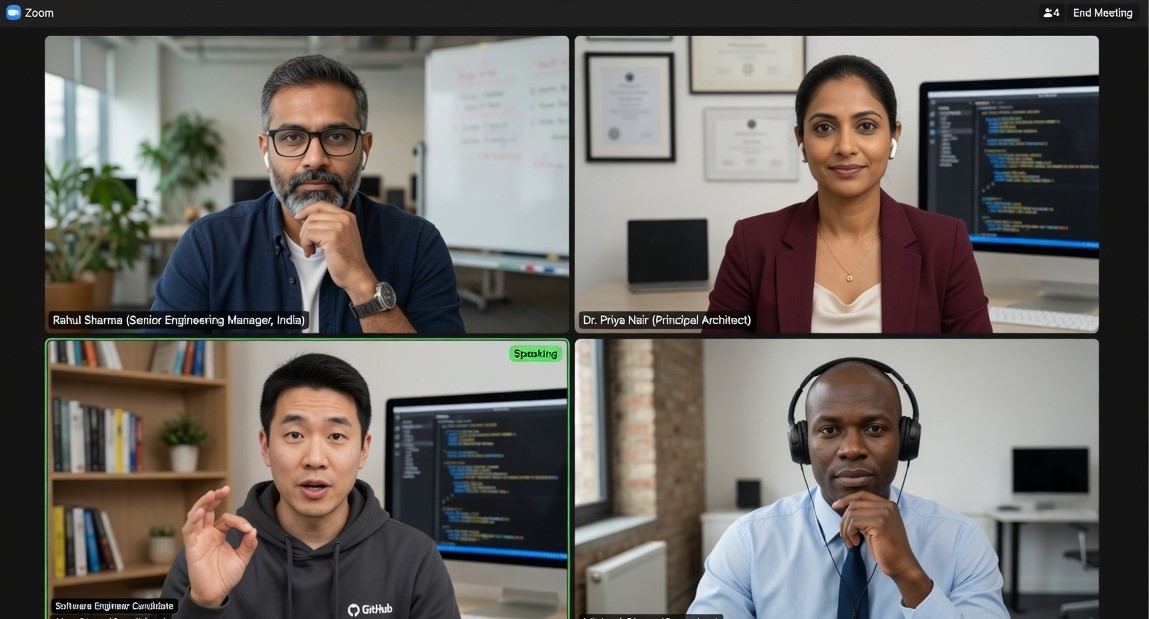
Omitted from screenshares, recordings, and streaming via OS APIs — not a browser hack, not a hope-toggle that dies mid-call.
function closures() {
  const outer = "scope";
  return function inner() {
    return outer; // ?
  }
}Most advanced on-screen AI
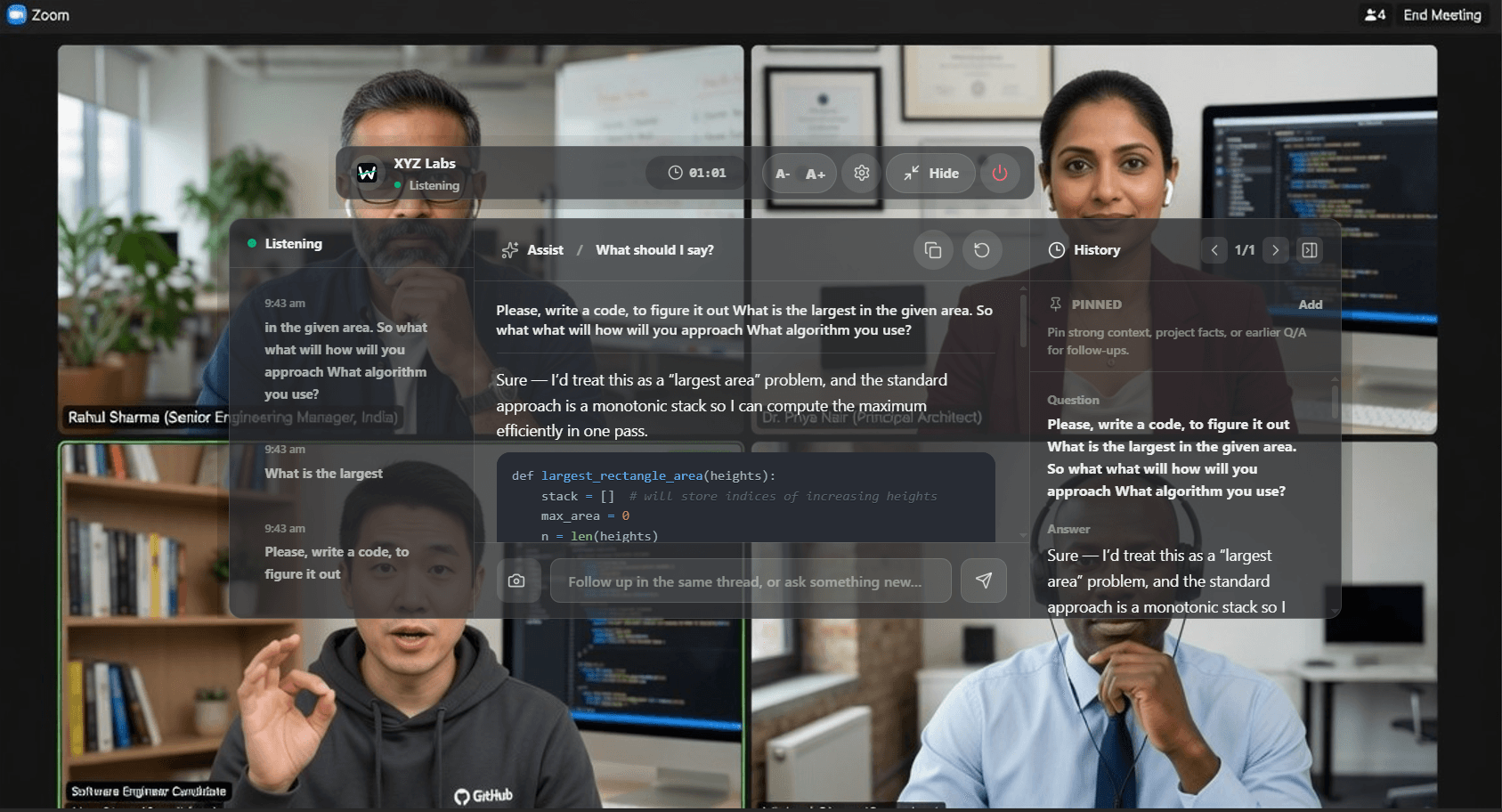
Faster than anyone in the market. No extra prompting — Wityu understands code, MCQs, meeting chat questions, coding challenges, and whatever just appeared. Corrects what you write. Answers what they ask.
No prompting
No paste, no “here’s the problem.” Wityu understands what’s on screen and what the room needs — instantly.
Code live
Bugs, typos, broken logic, half-finished functions — caught and fixed while the interviewer is still watching.
Any on-screen ask
Meeting chat questions, multiple-choice, coding challenges, fresh prompts — if it appears, Wityu can answer it.
Market-fast
Built to outpace typical screen tools — so you’re never waiting while the silence stretches.
Built different
01 · Modern build
Tauri desktop stack built for endurance — not heavy shells or demo-day screenshots.
02 · Real pain
Fast actions, compact surfaces, responses that stay close to the conversation.
03 · Advanced control
Hands on keyboard. Cursor where the interviewer expects. Assistant never steals the room.
04 · No cheap unlimited
Fewer wasted words, stronger reasoning, answers you can trust in the room.
05 · Modern AI core
Best-quality live answers across coding, system design, technical depth, and behavioral storytelling.
06 · Follow-up ready
Prepare the smart next question, recover from curveballs, keep the interview moving with intent.
Session memory
Session memory
Projects, background, and previous answers stay tied to the current thread.
Human response style
Conversational pacing and natural phrasing — never robotic.
Cross-question recall
Handles sudden call-backs and intense follow-up cross-examination.
Global keybinds
Global hotkeys. Pass-through cursor. Zero mouse drama while the interviewer is watching.
Quality over profit
Top models. Always. We never traded craft for margin — because one weak answer costs more than any plan.
We did not trade product quality for short-term margin.
We built the small things because real calls punish small mistakes.
We win only when the user walks out stronger.
Pricing
Buy what you need. Credits sync across web and desktop. Quality models, always.
$9.99
60 minutes · one-time
One hour of live assistant credits. Buy it anytime, as many times as you need.
Best value
$29.99
300 minutes · one-time
Five hours of live assistant credits with the best per-hour value.
Confidence isn’t a vibe. It’s preparation that shows up — invisible, instant, and built for the moment the room goes quiet.
Invisible on screen-share · v1.0.37